
Torah Birth Portion: the portion read the week you were born
Tradition ties each person to the portion read in the week they were born. Enter a date of birth and the tool finds it, for Israel or the Diaspora reading cycle.
Open Torah Birth Portion in a new tab →
Step 1: Open Torah Birth Portion
Tap Tools ▾ → Torah Birth Portion.
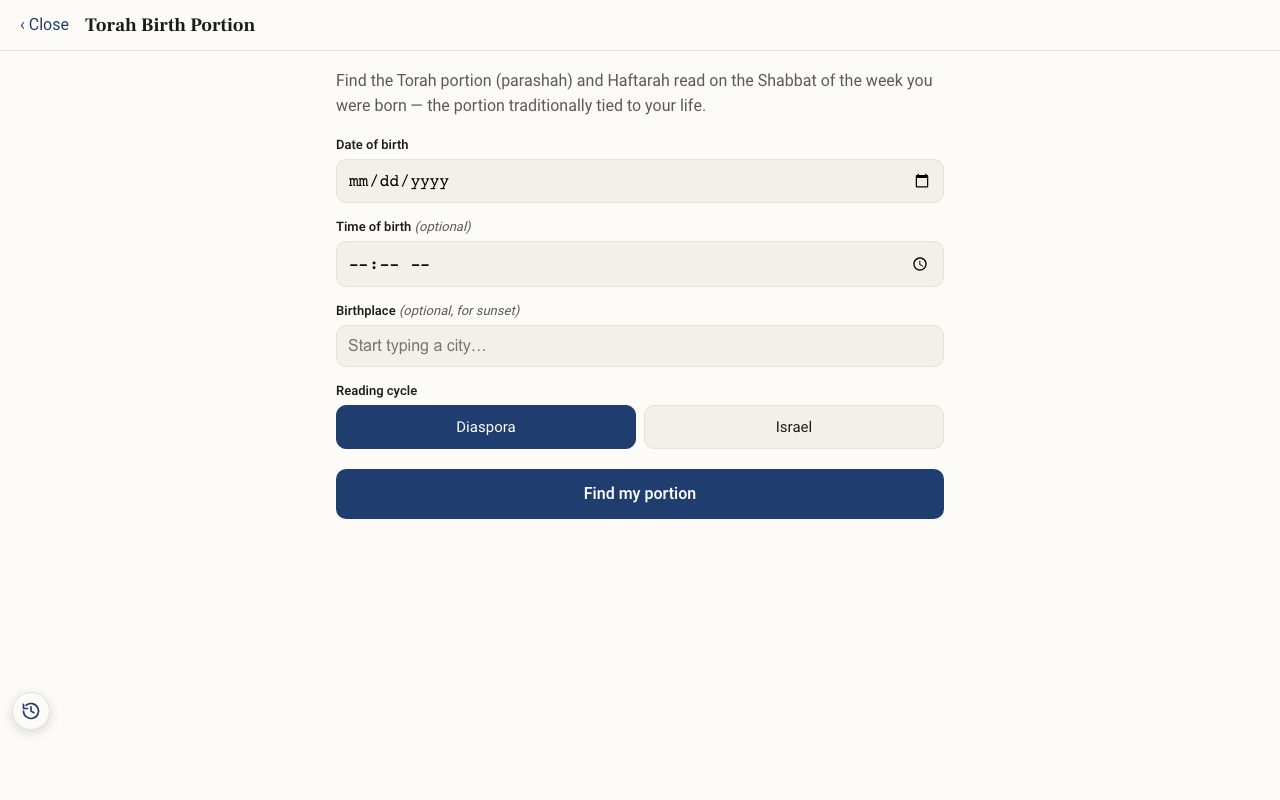
Step 2: Enter the date
Enter the Date of birth. If the birth was in the evening, add the time and city (both optional). The Hebrew day begins at sunset, so an evening birth can belong to the next day.
Step 3: Choose the reading cycle
Choose Diaspora or Israel. The two cycles sometimes differ by a week.
Step 4: Find it
Tap Find my portion to see the parashah and Haftarah, and open them to read.