
Bible Codes: search for equidistant letter sequences
Bible Codes searches the Hebrew text for equidistant letter sequences (ELS): words spelled by taking every nth letter. This is the method used in the published Torah-codes research. The tool also runs the honest test: how often would the same find turn up in scrambled or random text? Bible Codes is part of Hebrew Explorer Pro.
Open Bible Codes in a new tab →
Step 1: Open Bible Codes
Tap Tools ▾ → Bible Codes. Without Pro you see what the tool includes, with See what Pro includes.
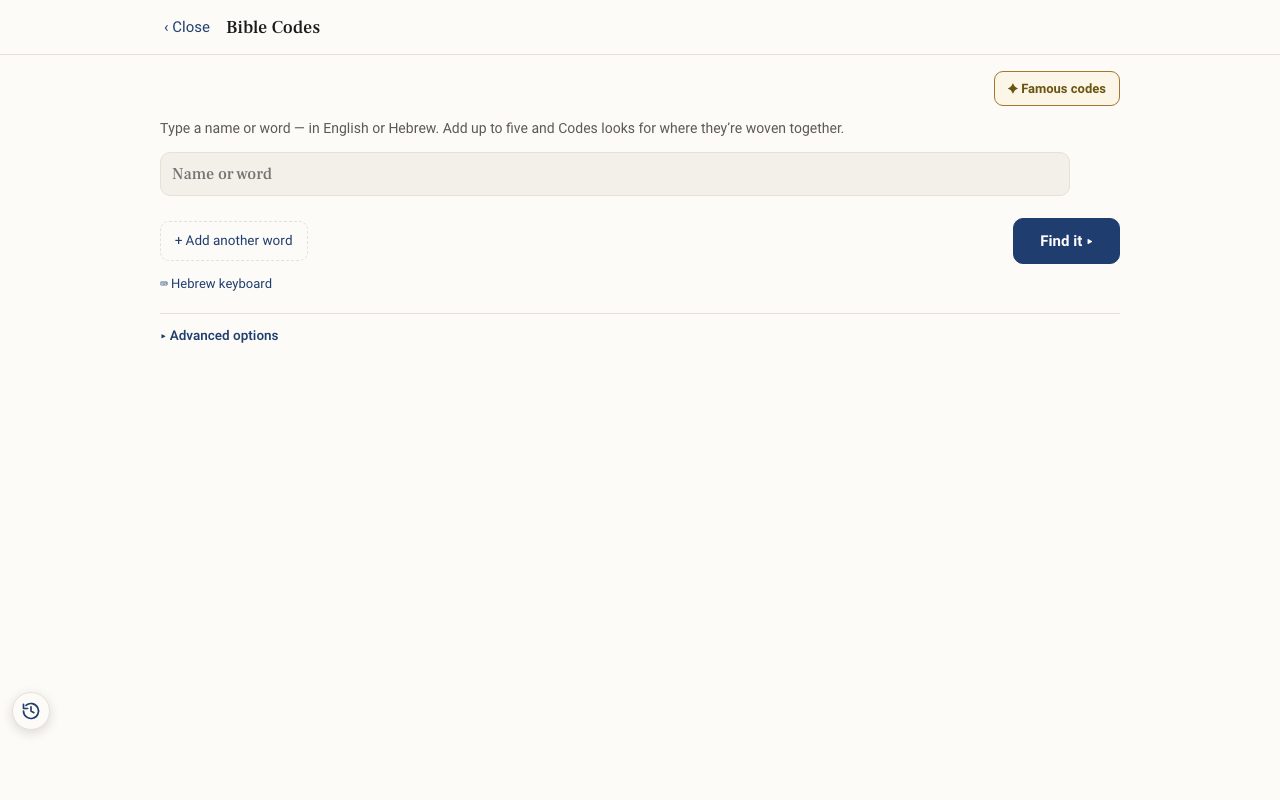
Step 2: Enter your terms
Type a name or word in English or Hebrew. There is a Hebrew keyboard and a built-in dictionary. You can add up to five terms, and the tool shows where they cross.
Step 3: Choose where to search
Under Search in: choose the Torah or the Whole Tanakh. Advanced options set the Letter spacing — max skip and which printed Hebrew edition to search (Leningrad or Koren).
Step 4: Read the matrix
Tap Find. The find is highlighted in a letter grid. Change the Grid width to read it, and tap Search for a related term nearby to look for meaningful words woven around it.
Step 5: Check it against chance
Every result is compared to random and scrambled text, and labelled plainly, for example about as often as random text, most likely a coincidence. Take that label seriously.
Related tutorials
- Gematria: the numeric value of Hebrew wordsShow the value of every Hebrew word, choose a counting method, add up a phrase, and find words that share a value.Free 5 min · Intermediate
- Hebrew Explorer Pro: what's free and what Pro addsThe reader and nearly every study tool are free. Pro adds a handful of deeper tools.Free 2 min · Beginner