
Bible Heroes: the great lives of Scripture
From Adam to Paul, Bible Heroes tells the great lives of Scripture: who they were, what their Hebrew name means, the key events of their lives, and every verse where they appear.
Open Bible Heroes in a new tab →
Step 1: Open Bible Heroes
Tap Tools ▾ → Bible Heroes. The heroes are listed in the order of the story.
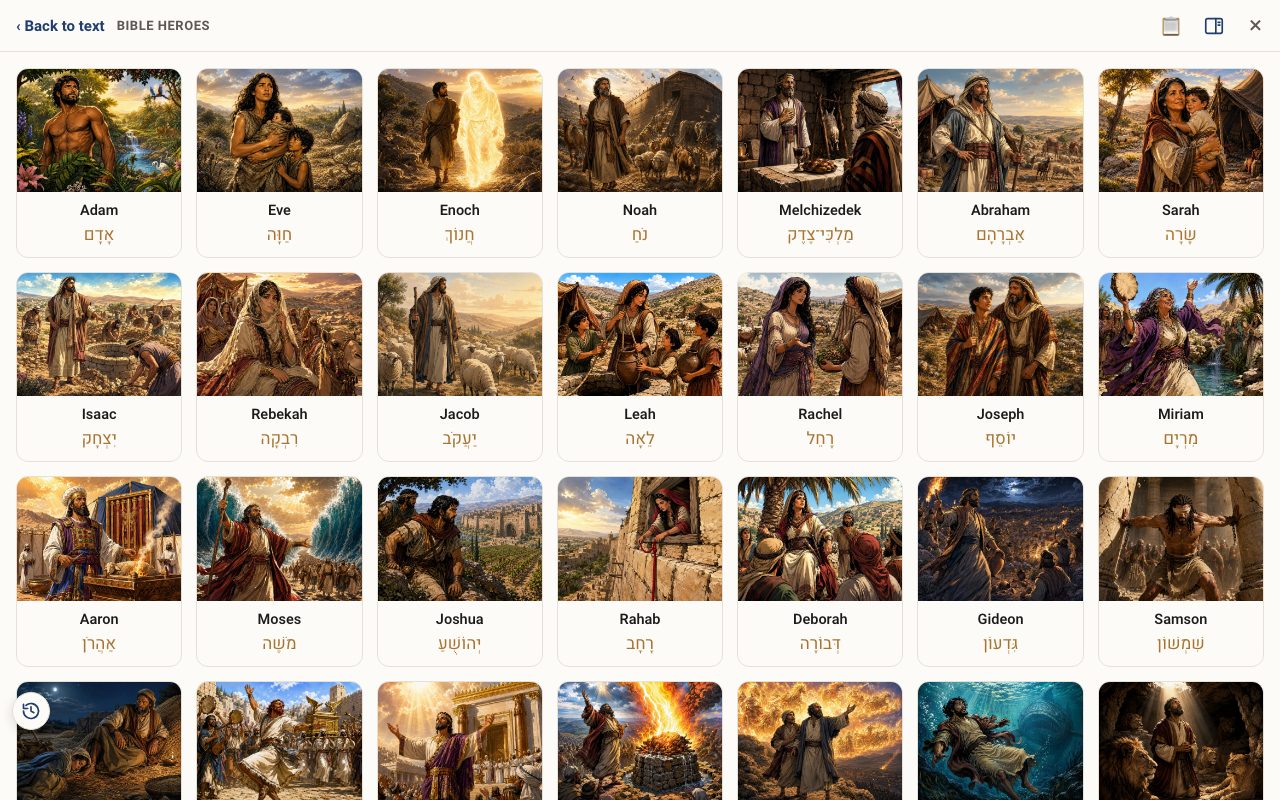
Step 2: Open a hero
Tap a name, for example Moses, to see the portrait, Hebrew name and pronunciation, key events, and every verse where the name appears.
Step 3: Go to the verses
Tap any verse to open it in the reader.
Related tutorials
- Hebrew Names: the meaning inside every nameTurn it on and every personal name glows. Tap one to see what it means and which words built it.Free 3 min · Beginner
- Tribes of Israel: the thirteen bannersEach tribe's Hebrew name, the blessings of Jacob and Moses, famous members, and the land they were given.Free 3 min · Beginner
- Tale of Two Kingdoms: Israel and Judah side by sideThe whole story from Samuel to the dispersion on one timeline, with every king, prophet and battle, and narrated chapters.Pro 5 min · Intermediate