
Names of God: every name and title, explained
Scripture reveals God through His names. Each one was given at a particular moment, for a particular reason. The Names of God tool gathers every name, title and attribute across the Tanakh and the New Testament.
Open Names of God in a new tab →
Step 1: Open Names of God
Tap Tools ▾ → Names of God. Each name is listed with a one-line summary.
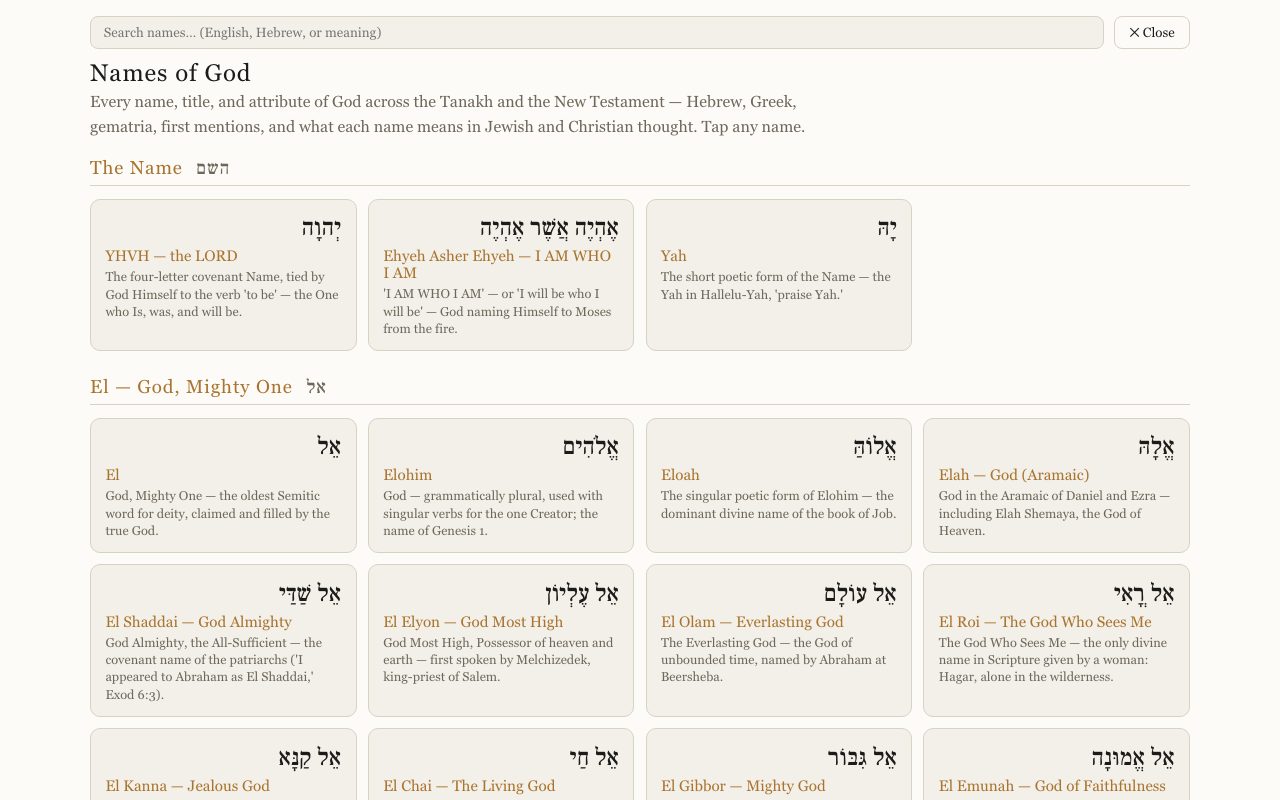
Step 2: Search or browse
Scroll the list, or type in Search names… in English, Hebrew, or by meaning (try provide or shepherd).
Step 3: Open a name
Tap a name to see its Hebrew and Greek, pronunciation, gematria, first mention, and what it means in Jewish and Christian thought.

Related tutorials
- Hebrew Names: the meaning inside every nameTurn it on and every personal name glows. Tap one to see what it means and which words built it.Free 3 min · Beginner
- Tap a word: reading the lexiconOpen any Hebrew or Greek word to see its meaning, pronunciation, gematria, every place it appears, and the classic lexicons.Free 6 min · Beginner