
The Library and the Apocrypha
Two bookshelves. The Library holds books you read inside the site, including free classics, by category. The Apocrypha gathers the books written between and around the Testaments, each with an introduction, and with full texts where they exist.
Open Library · Apocrypha in a new tab →
Step 1: Open the Library
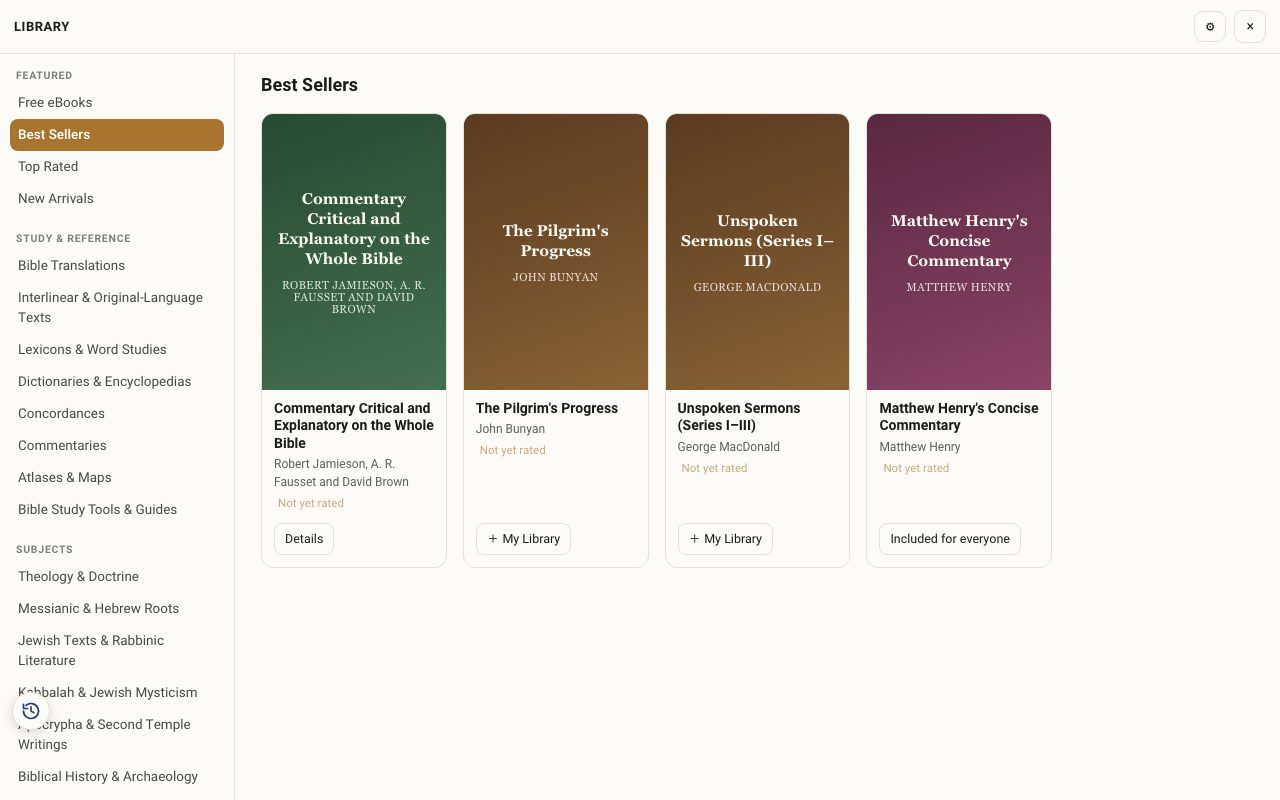
Tap Tools ▾ → Library. Browse Free eBooks, Best Sellers, New Arrivals or a category (Commentaries, Lexicons, Messianic & Hebrew Roots, Apocrypha, and more).
Step 2: Open a book
Tap a book for its description, author and details. Free books open to read. Others show their price.
Step 3: My Library
Books you own sit in My Library, and they appear in the Study Panel's Resources and Library tabs while you read.
Step 4: Open the Apocrypha
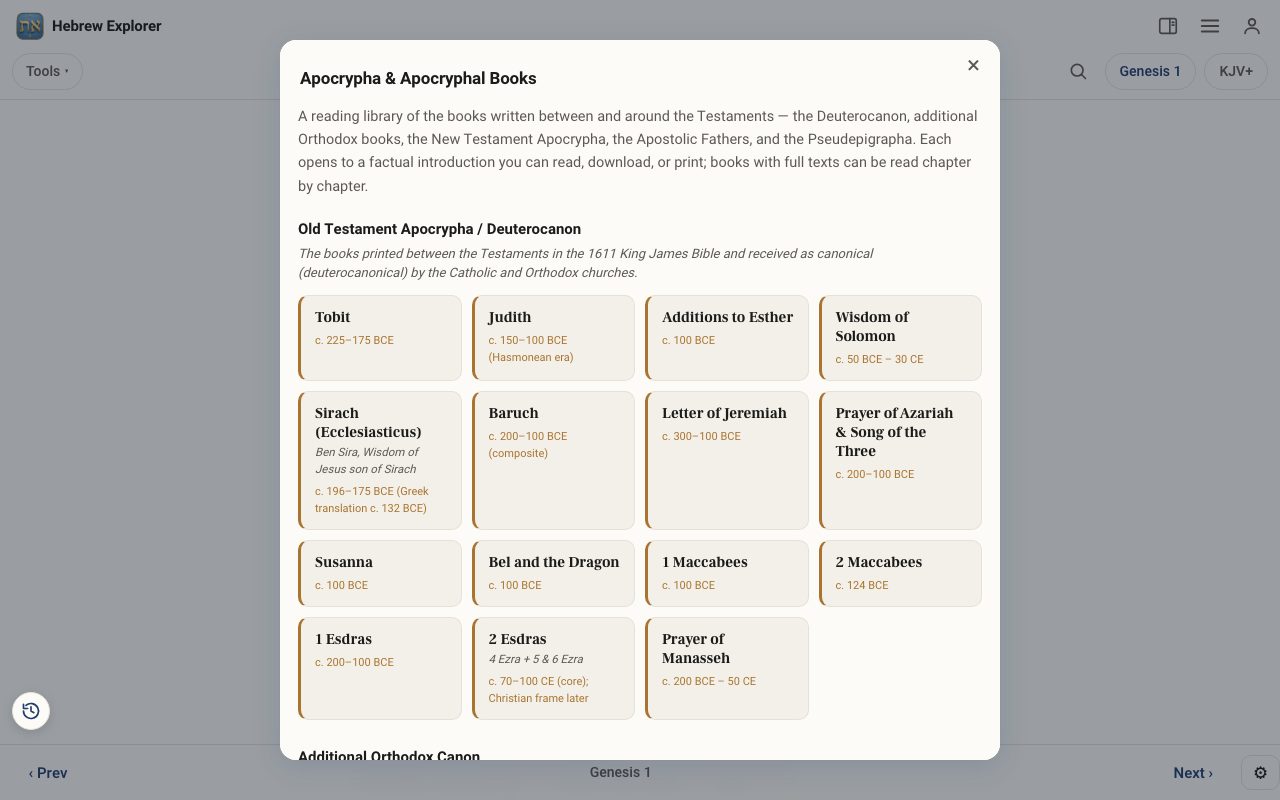
Tap the three lines at the top right, then Apocrypha. The books are grouped: the Deuterocanon, the additional Orthodox books, the New Testament Apocrypha, the Apostolic Fathers and the Pseudepigrapha. Tap a book for its introduction, and read the chapters where the full text is included, such as the Book of Jasher.
Related tutorials
- The Study Panel: your study space beside the textResources for the chapter, your notes and highlights, saved studies, a parallel translation, books and search, all beside the text.Free 6 min · Beginner
- Reading the Bible: find any book and chapterJump to any book and chapter, move chapter by chapter, and go straight to a verse.Free 3 min · Beginner