
The Study Panel: your study space beside the text
The Study Panel keeps everything for the chapter beside the text while you read. It gathers commentaries, people, places, discoveries, cross-references, notes, studies and more in one place. It is the quickest way to see what the site knows about the passage in front of you.
Open Study Panel in a new tab →
- Open the Study Panel
- Resources: everything about this chapter
- Notes and Highlights
- Studies: save a study
- Tools, Parallel, Library and Search
- Arrange the panel
Step 1: Open the Study Panel
Tap the panel icon at the top right (next to the three lines), or Tools ▾ → Study Panel.
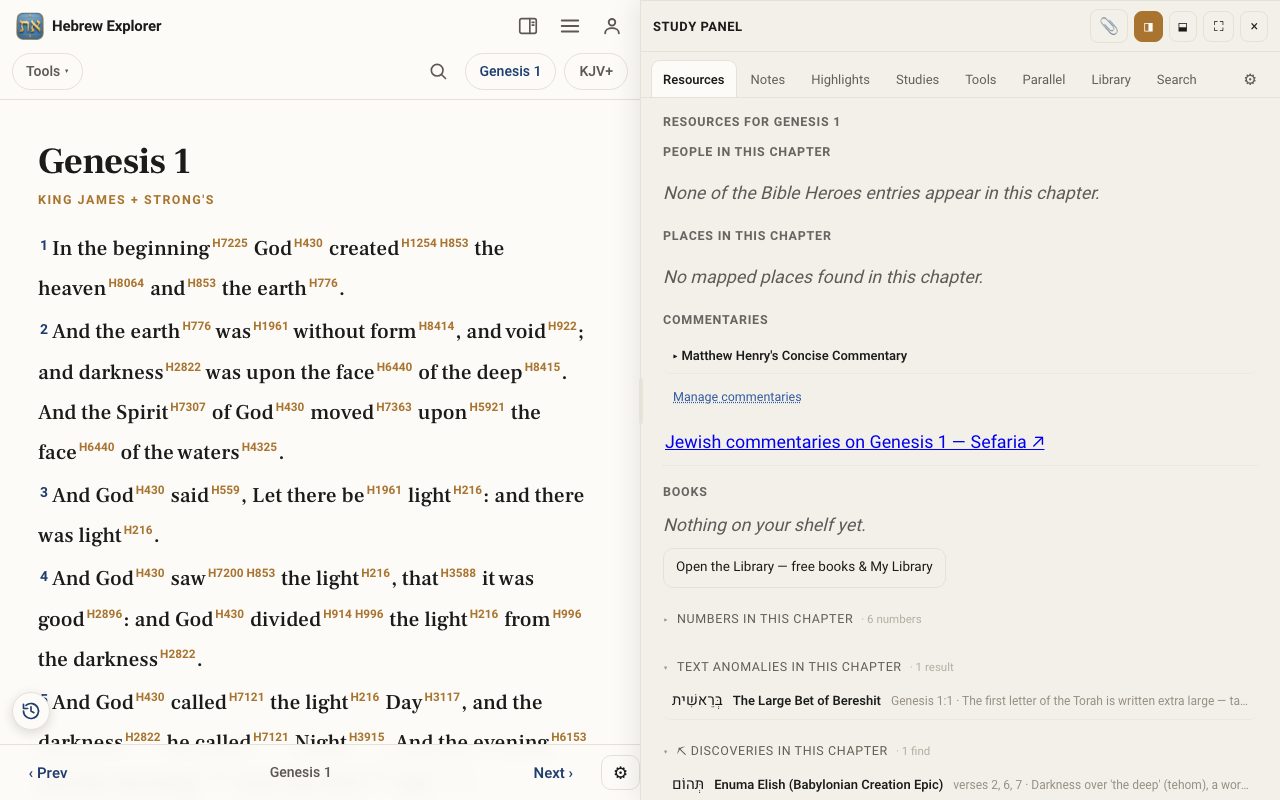
Step 2: Resources: everything about this chapter
The Resources tab lists what connects to this chapter: People and Places in it, Commentaries (Matthew Henry, plus Jewish commentaries on Sefaria), books on your shelf, text anomalies, archaeology finds, names of God, and cross-references. Explore with tools opens the Interlinear, maps, PaRDeS and more.
Step 3: Notes and Highlights
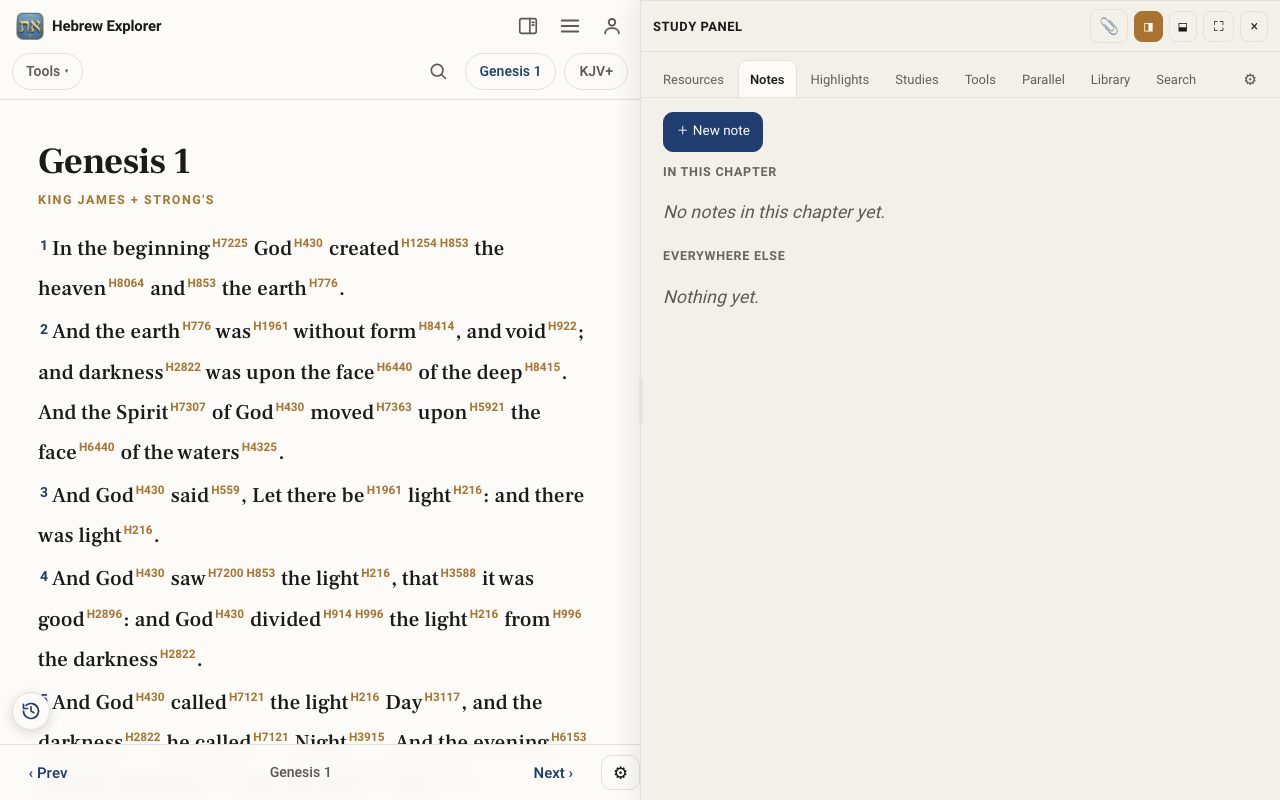
Notes lists your notes in this chapter and everywhere else. Tap + New note to add one. Highlights works the same way, and Styles sets your highlight colours.
Step 4: Studies: save a study
Under Start a study choose Word study, Verse study or Topic study. While a study is open, the 📎 button at the top clips what you are looking at into it.
Step 5: Tools, Parallel, Library and Search
Tools lists every tool, opening beside the panel. Parallel shows a second translation next to the reader. Library shows your books. Search searches without leaving the panel.
Step 6: Arrange the panel
The icons at the top dock the panel to the side (◨) or below (⬓), or make it full screen (⛶). Tap × to close it.
Related tutorials
- Highlights & notes: mark verses and keep your thoughtsHighlight a verse in colour and write a note on it, then find them all again in the Study Panel.Free 3 min · Beginner
- Compare translations and compare a verseRead several translations side by side, or one verse in every translation at once.Free 4 min · Beginner
- The Library and the ApocryphaRead books from the shelf, including free classics, and explore the books written between and around the Testaments.Free 4 min · Beginner
- Recipe: prepare a Torah portion lessonPlan a group study of this week's parashah: readings, context, one key word, and a handout.Free 30 min · Intermediate