
PaRDeS Study: study any verse on four levels
PaRDeS Study takes any verse through the four levels with a roadmap, and saves your notes at each level, so you can come back, add to it and print it. It needs a free account, because your study is saved there.
Open PaRDeS Study in a new tab →
Step 1: Sign in
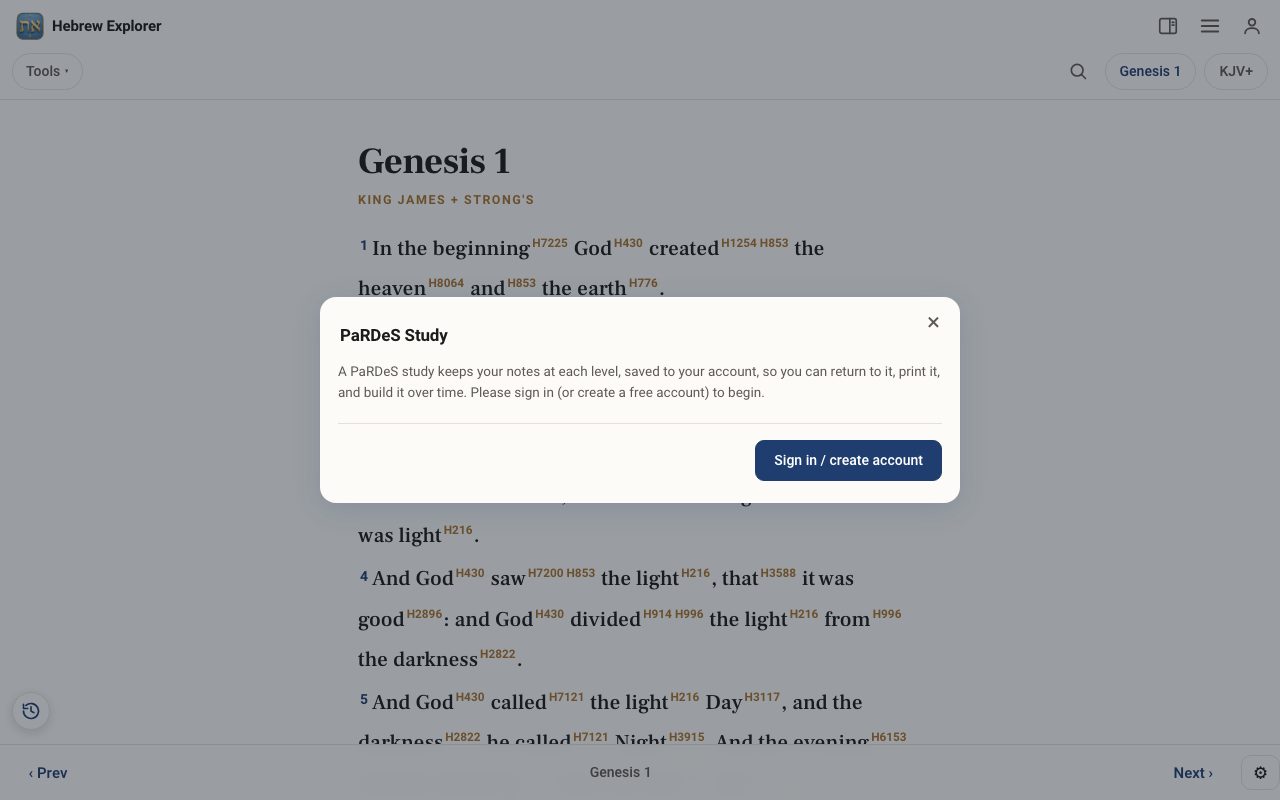
Tap Tools ▾ → PaRDeS Study. If you are not signed in, tap Sign in / create account. See Your free account.
Step 2: Choose a verse
Open PaRDeS Study on the verse you are reading, or choose another.
Step 3: Work through the levels
Follow the roadmap: Peshat (what it plainly says), Remez (the hints and connections), Derash (the teaching you draw from it) and Sod (the deeper mystery). Write your notes at each level. They save as you go.
Step 4: Return, build and print
Your studies stay in your account. Open one to add to it, or print it for a group.
Related tutorials
- Learn PaRDeS: the four levels of Scripture studyA guided walk through Peshat, Remez, Derash and Sod, using one verse you already know.Free 8 min · Beginner
- Your free account: sign in, and what it savesCreate a free account, sign in, and see what is kept on your device and what is kept in your account.Free 2 min · Beginner
- The Study Panel: your study space beside the textResources for the chapter, your notes and highlights, saved studies, a parallel translation, books and search, all beside the text.Free 6 min · Beginner