
Your free account: sign in, and what it saves
You can read and use nearly every tool without an account. A free account is needed for a few things that must be saved for you, such as PaRDeS studies. It is also where Hebrew Explorer Pro is managed.
Step 1: Open your account
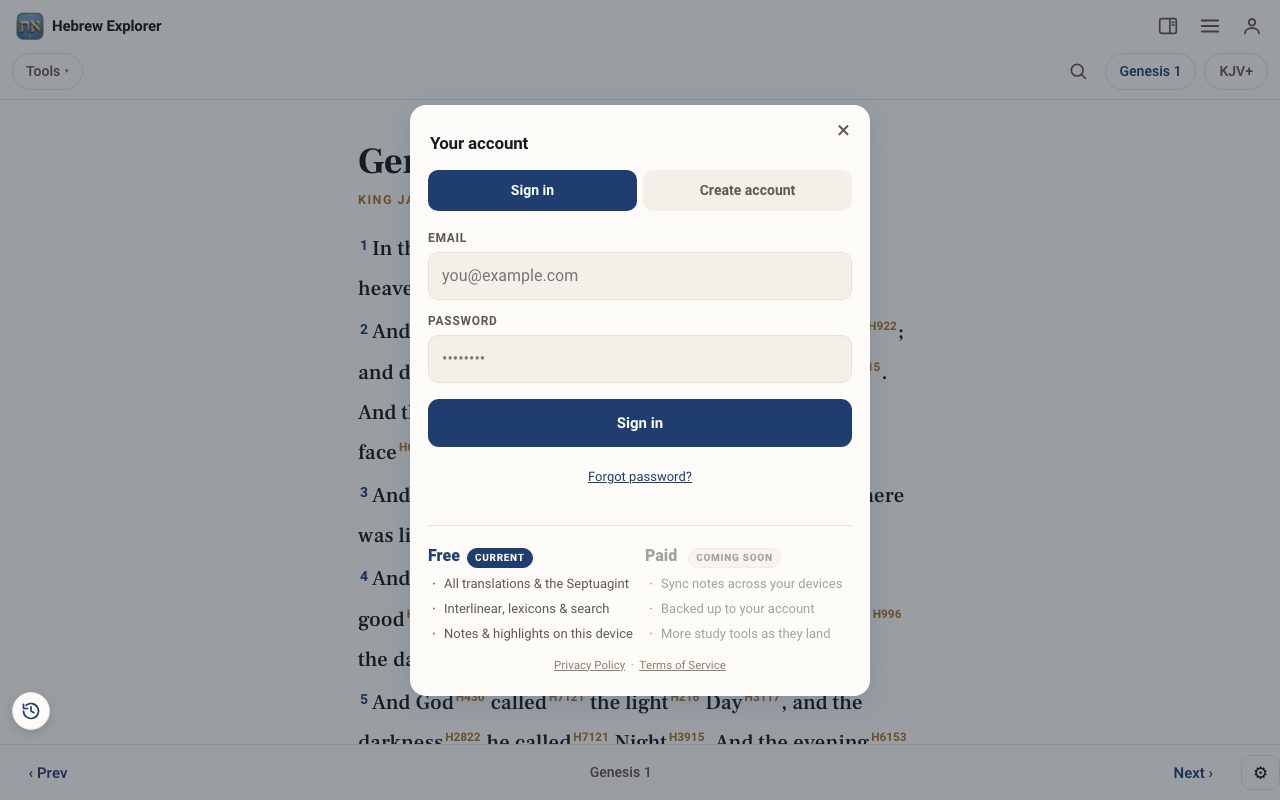
Tap the person icon at the top right. The Your account panel opens.
Step 2: Create an account
Tap Create account, enter your email and a password, and submit. We email you a link. Open it to confirm your address, then sign in.
Step 3: Sign in
Enter your Email and Password and tap Sign in. Forgot it? Tap Forgot password? and we will email you a reset link.
Step 4: Know where your work lives
Notes, highlights and Word Study Sheets are kept on this device. PaRDeS studies and some study-panel saves are kept in your account. Syncing notes across devices is on the way. Until then, use Export in Word Study Sheets for safekeeping.
Related tutorials
- Hebrew Explorer Pro: what's free and what Pro addsThe reader and nearly every study tool are free. Pro adds a handful of deeper tools.Free 2 min · Beginner
- PaRDeS Study: study any verse on four levelsA guided roadmap through the four levels for any verse, with your notes saved to your account.Free 8 min · Intermediate
- Highlights & notes: mark verses and keep your thoughtsHighlight a verse in colour and write a note on it, then find them all again in the Study Panel.Free 3 min · Beginner